Credits
If you are part of a credit promotion for Railway, this page covers how to activate and use your credits. This does not include the referral program as that functions differently - please see information referrals here.
Eligibility
Credits and promotions only apply to new signups. If you already have an account, or signed up before navigating to the unique promotion link, the credits will not apply to you.
Activating Your Credits
To activate your credits:
- Sign up for Railway using the unique link provided to you.
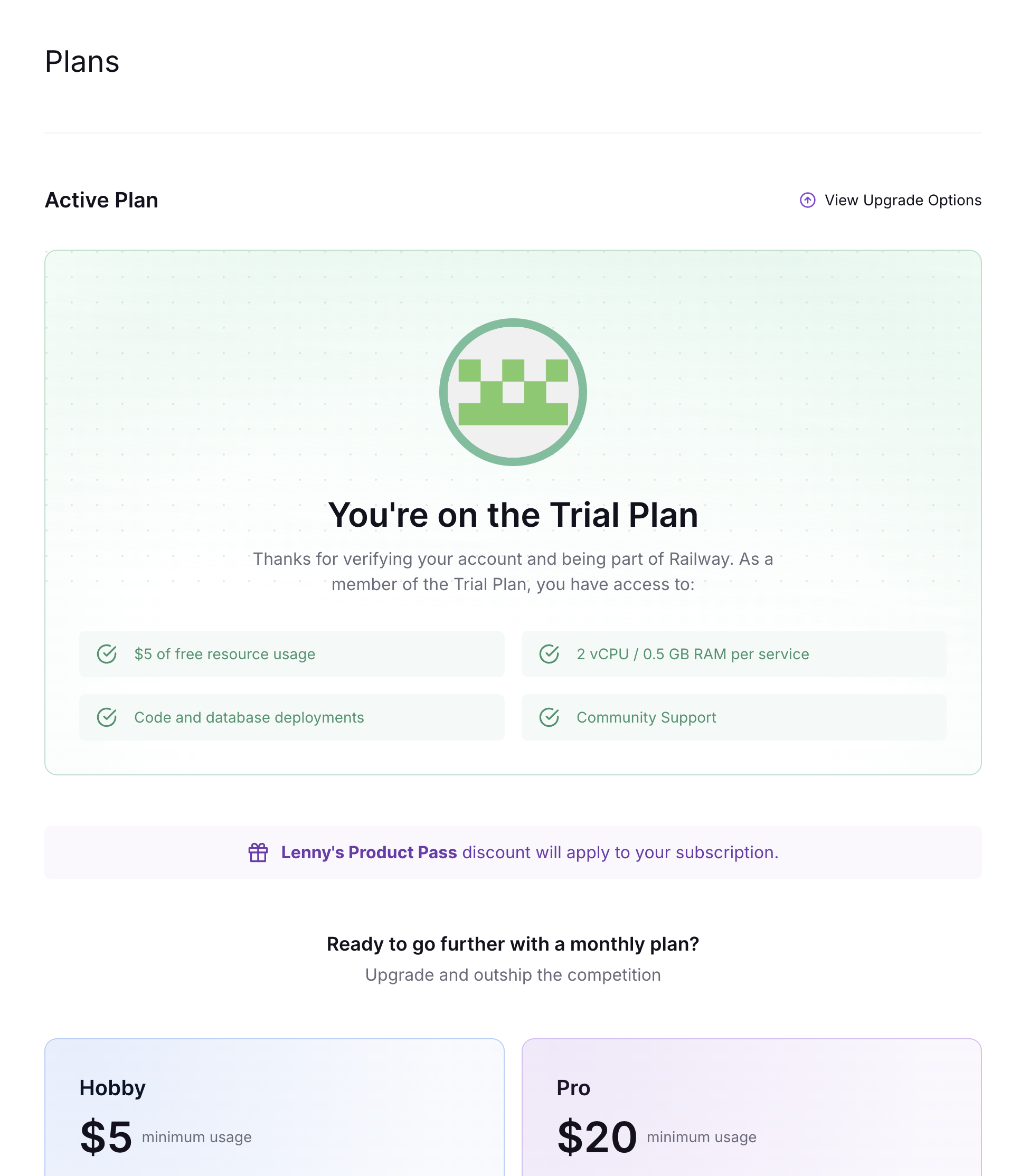
- Navigate to the Plans page to upgrade your plan to Hobby. On the page, you will see the name of your promotion if it applies to your account. For more information on available plans, see the Pricing Plans docs.
- Enter your credit card details. A credit card is required to cover any usage that exceeds your credit amount.
You will see the credits applied to your next invoice.
Viewing Your Credits
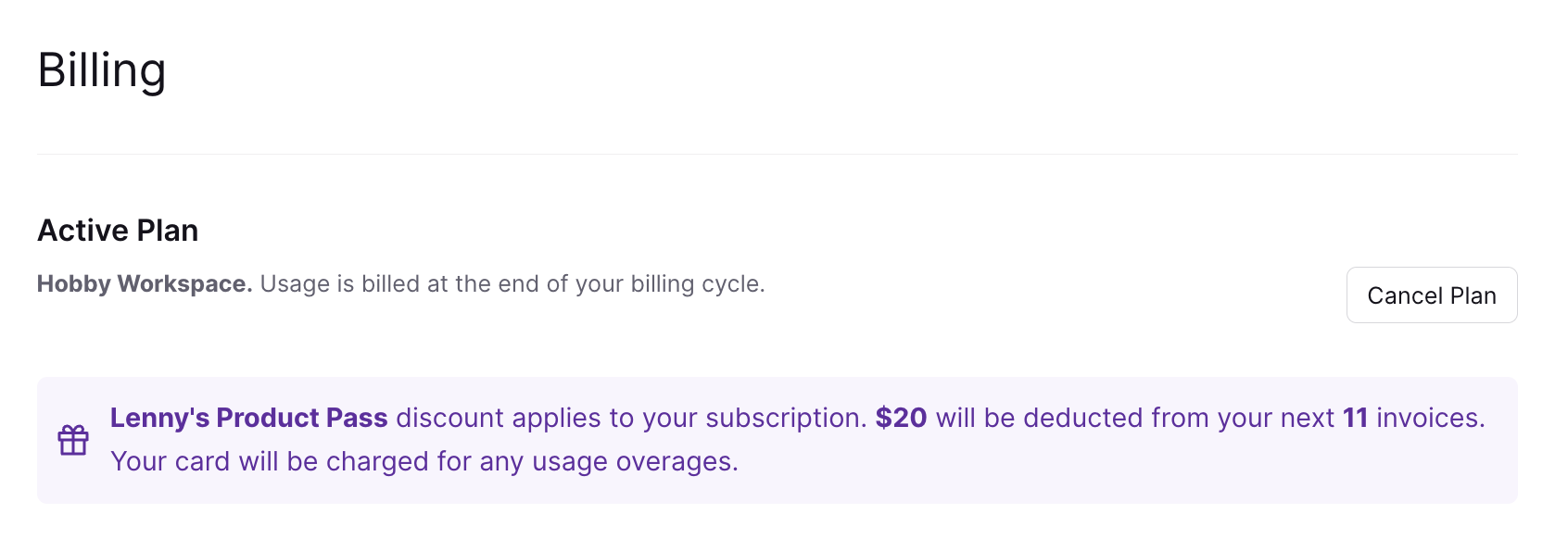
Once you have upgraded, you can view your credit and promotion details by navigating to Workspace Settings > Billing. There you will find:
- Whether a promotion code applies to your account
- The credit value and duration of the promotion