Template Kickbacks
If you publish a template, and it is deployed into other users' projects, you are eligible for a kickback of the usage cost incurred. You can receive kickback earnings in Railway Credits or with Cash Withdrawal.
Read more about the kickback program here.
Eligibility requirements
To be eligible for template kickbacks, your template must meet the following requirements:
- Marketplace: Your template must be published to the template marketplace. Private and unpublished templates are not eligible.
- Terms of Service: Your project must abide by Railway's Fair Use Policy and Terms of Service. Templates that violate Railway's Terms of Service may be removed and kickback payments deemed ineligible.
Kickback rates
- Templates receive a 15% kickback of the usage costs incurred by users deploying your template.
- Support Bonus: Additional 10% (25% total) when actively supporting users via your Template Queue
How earnings are calculated
Kickbacks are calculated based on the proportional resource usage cost of your template services.
For example, if a user pays $20 in platform fees, then incurs $200 of usage from your template, you are eligible for up to a $50 kickback (25% of $200 for an open source template with active support).
Minimum Payout: The minimum kickback payout is $0.01. Any kickback amount below this threshold will not be processed.
Supporting your template users
When users have questions about your template, they'll appear in your Template Queue in Central Station. You'll get an email when new questions come in, plus occasional reminders if questions are waiting.
Answering these questions earns you the additional 10% support bonus and helps users deploy your template successfully.
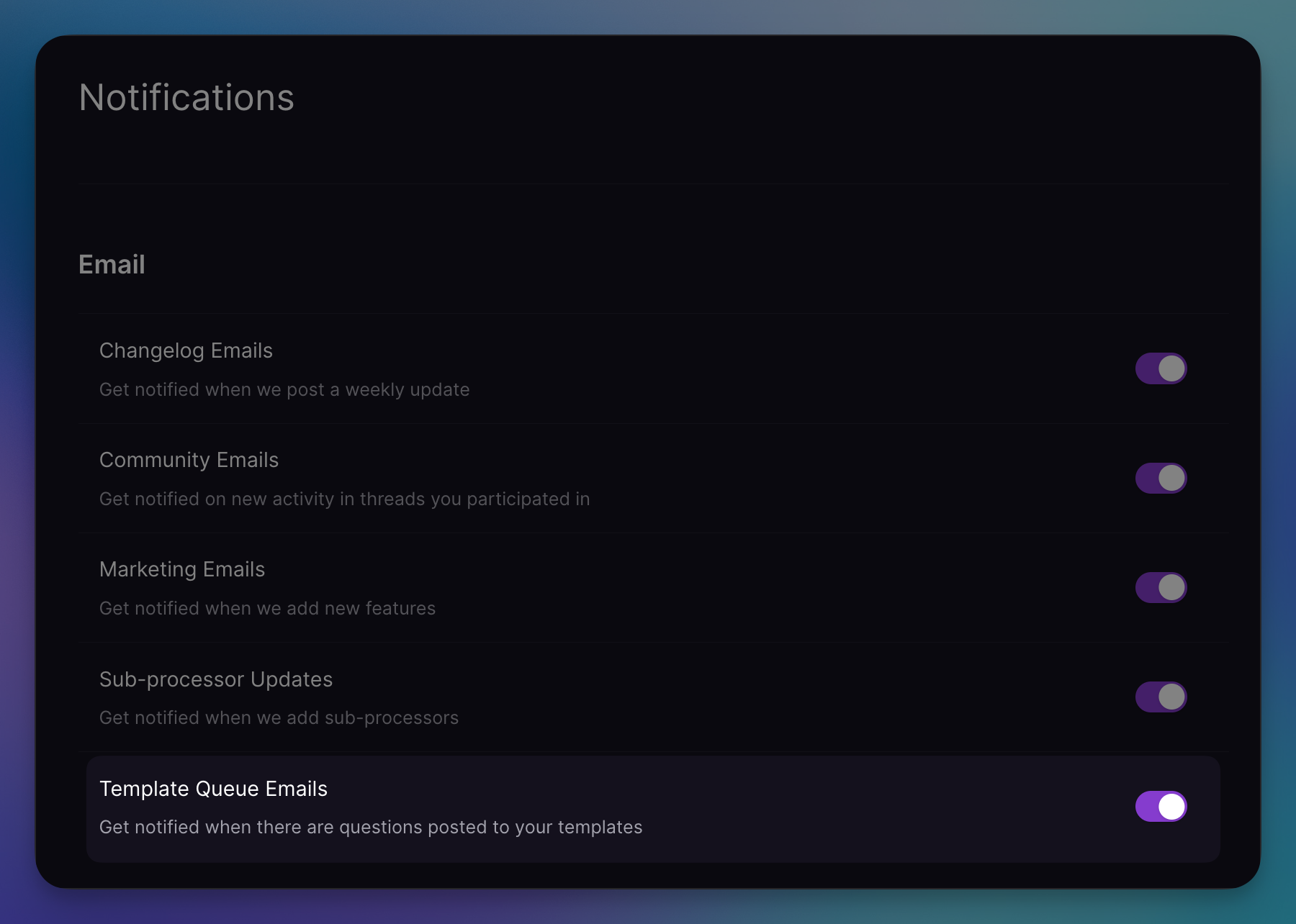
Manage notification preferences in your account settings under "Template Queue Emails".
Open Source Partner Program
If you're the owner of a technology used in Railway templates, you can join the Open Source & Technology Partners program to unlock extra perks like commission on templates using your technology, featured placement, and opens source product-management features.
Earnings and withdrawals
By default, your template kickbacks are automatically converted into Railway Credits. But we also offer cash withdrawals. Visit the /earnings tab inside your account settings for more details. There you can add your details and request a withdrawal.
Withdrawal FAQ
How do I start earning cash?
Simply flip the switch on the Earnings page marked Direct Deposit to Railway Credits. This will stop auto-depositing your earnings into the Railway credits system. You will then begin accruing cash in your Available Balance.
How do I request a withdrawal?
Follow the instructions inside the Earnings tab. We use Stripe Connect to handle withdrawals. After completing the onboarding process, you will be able to request a withdrawal.
Why is my country not supported?
Due to local regulations and compliance requirements, certain regions are not eligible for cash withdrawals. You can choose from the 130+ countries that are supported in the onboarding process.
Can I make manual withdrawals to credits too?
Yes! Choose to Credits in the dropdown and then make your withdrawal request.
I have earned a lot of kickbacks from a template, but this page says my available balance is $0. Why?
The current kickback method is to automatically apply your kickbacks as Railway credits. You can opt out of this if you wish to start accruing cash.
Can I still use the older, automatic-credits setting?
Yes. This behavior is enabled by default. You can opt out of it, and back in to it, at any time. Simply use the switch on the Earnings page marked Direct Deposit to Railway Credits.
What is the minimum and maximum withdrawal amount?
For now, withdrawals may be made in $100 - $10,000 increments.
What is the timeframe from withdrawal request to payout?
Withdrawals are usually processed instantly. Once processed, the funds will usually take up to 10 business days to reach your account. Depending on your region and bank, this may take longer.
What if there are no questions for my template?
If there are no questions, you will receive the full 25% kickback for your template.