Using Config as Code
Config as Code is deprecated. Prefer Infrastructure as Code (.railway/railway.ts) for project configuration. Existing railway.json / railway.toml files continue to work for services that already use them until 2026-12-01 (hard cutoff). New services cannot opt into Config as Code. See Migrating from Config as Code.
Railway supports defining the configuration for a single deployment in a file
alongside your code in a railway.toml or railway.json file.
Everything in the build and deploy sections of the service settings page can be specified in this configuration file.
The settings in the dashboard will not be updated with the settings defined in code. Configuration defined in code will always override values from the dashboard.
TOML VS JSON
The format you use for your config-as-code (toml or json) file is entirely dependent on preference, and the resulting behavior in Railway is the same no matter which you choose.
For example, these configuration definitions are equivalent:
[build]
builder = "railpack"
buildCommand = "echo building!"

[deploy]
preDeployCommand = ["npm run db:migrate"]
startCommand = "echo starting!"
healthcheckPath = "/"
healthcheckTimeout = 100
restartPolicyType = "never"
JSON schema
You can find an always up-to-date JSON schema at railway.com/railway.schema.json.
If you include it in your railway.json file, many editors (e.g. VSCode) will provide autocomplete and documentation.
{
  "$schema": "https://railway.com/railway.schema.json"
}
Understanding config source
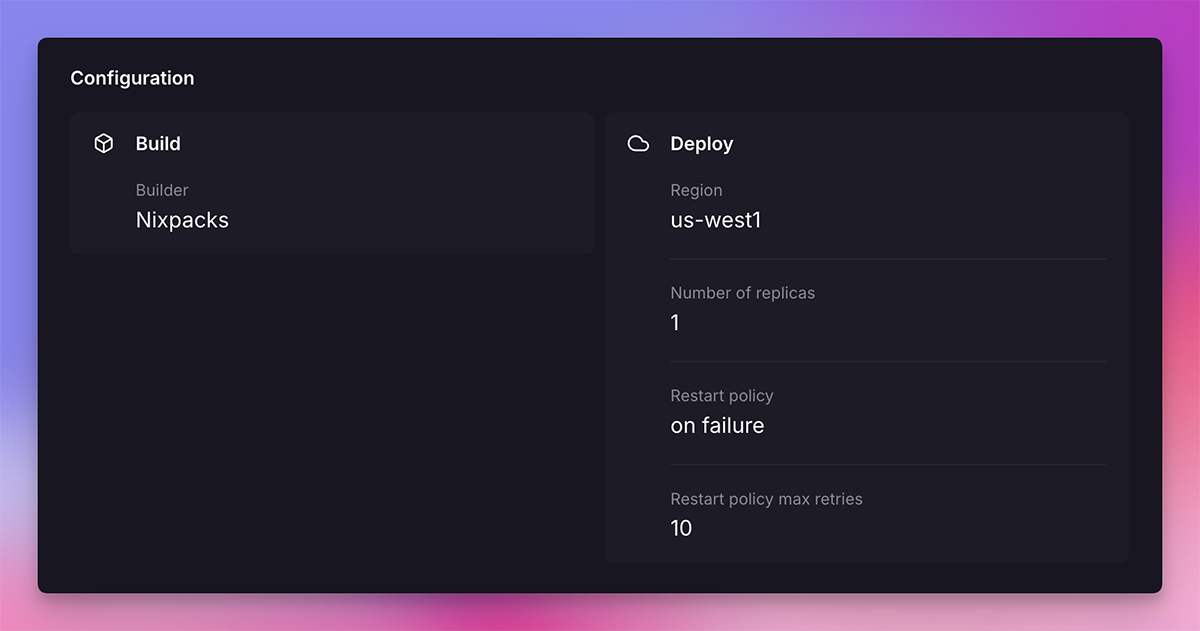
On a service's deployment details page, all the settings that a deployment went out with are shown.
For settings that come from a configuration file, there is a file icon. Hovering over the icon will show exactly what part of the file the values originated from.
Using a custom config as Code file
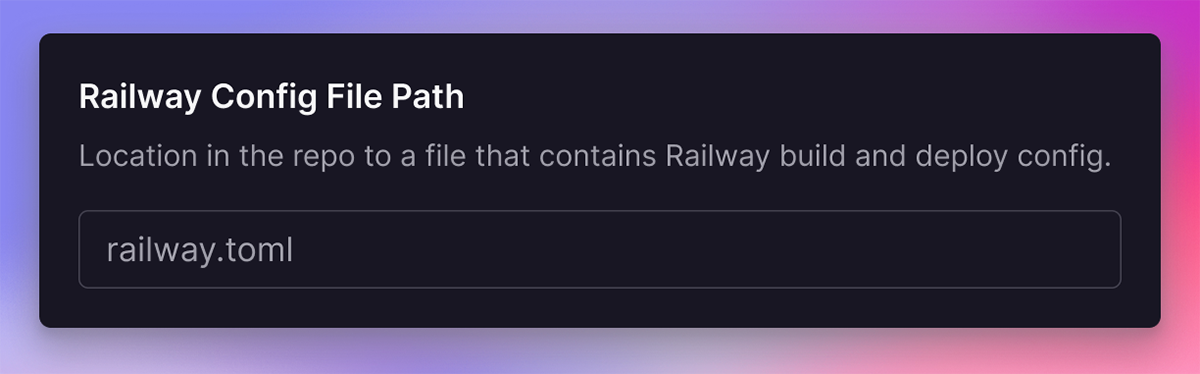
You can use a custom config file by setting it on the service settings page. You should provide the absolute path to the file in your repository,
for example: /backend/railway.toml
Configurable settings
Find a list of all of the configurable settings in the config as code reference page.